One click on the icon
A random password with its strength shown in bits. Length and character types are set once and remembered.
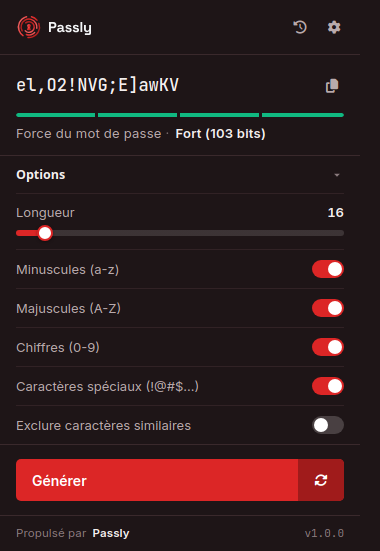

A strong password in every form, without leaving the page or copy-pasting.
Generate and fill your passwords straight into any form, without leaving the page.
Works with Chrome, Edge, Brave and other Chromium-based browsers.
A random password with its strength shown in bits. Length and character types are set once and remembered.
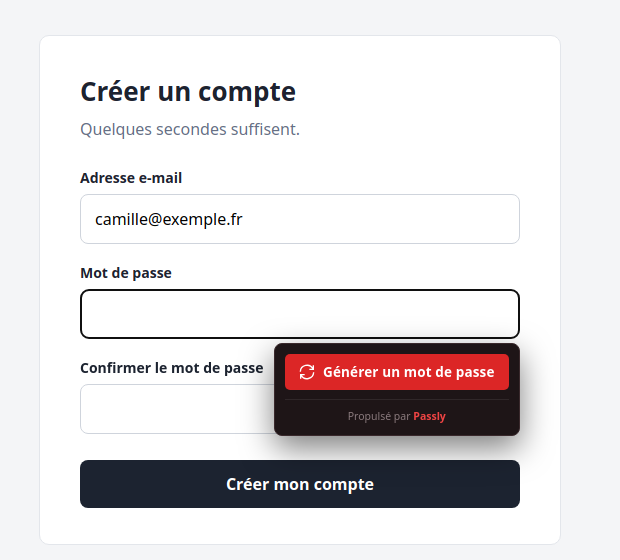
A “Generate a password” button appears under every password field. Right-click and the Ctrl + Shift + Y shortcut do the same.
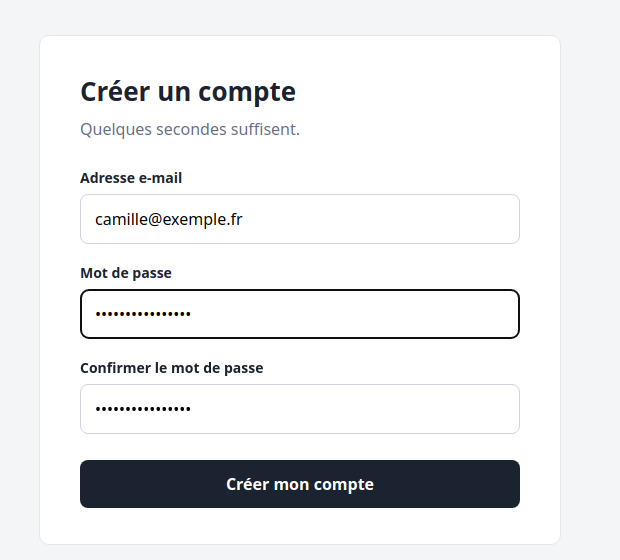
The password is placed in the field and its confirmation, then copied: all that is left is saving it in your manager.
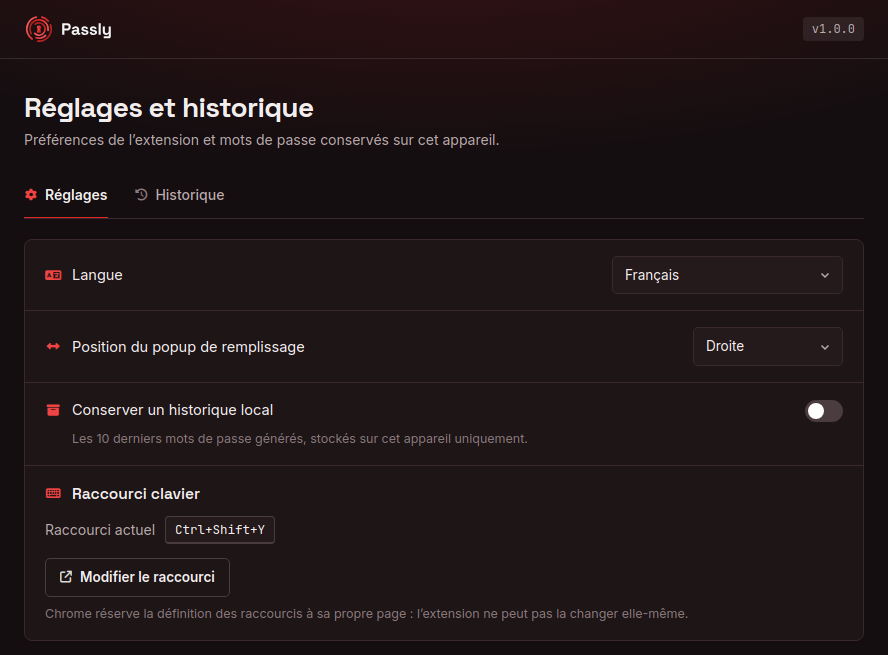
Language, button position, keyboard shortcut, and a history of the last ten passwords, off by default and kept on your device.
Field detection happens in your browser. Neither the address nor the content of the sites you visit reaches us.
Each password is generated by passly.fr, sent over an encrypted connection, then forgotten.
A request carries your settings, the extension version and a random installation identifier. Nothing else.